Hide the Cursor Locator Line in the Vertical Scrollbar in VS Code
October 2025
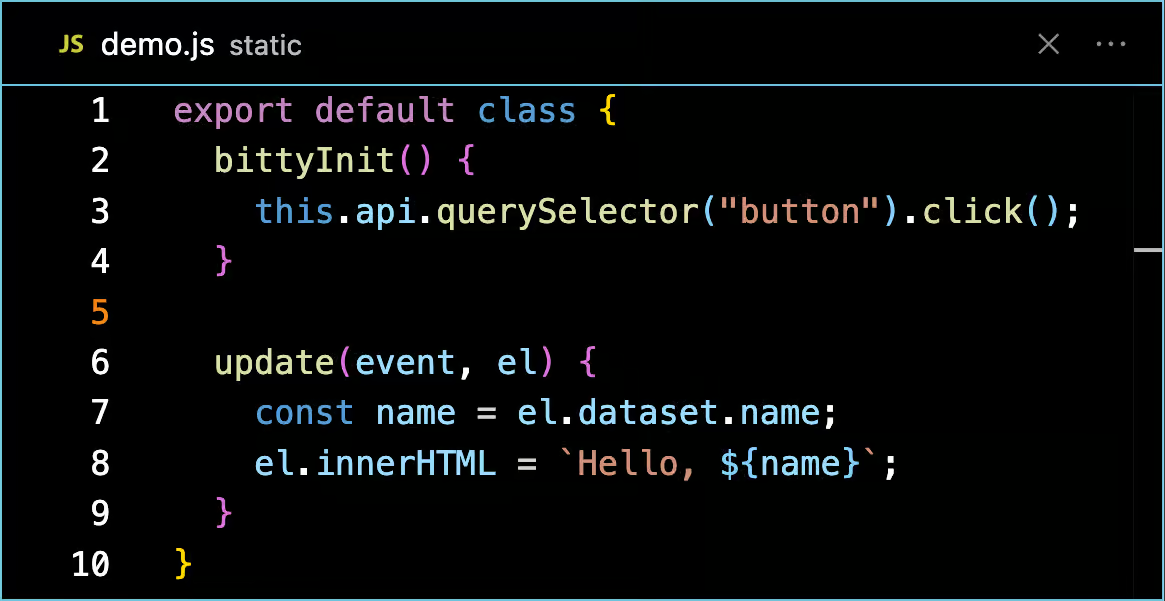
The little line that's on the side of VS Code that marks the current cursor potions in the scrollbar bugs me when I'm trying to make example videos (like the one I'm doing for bitty)
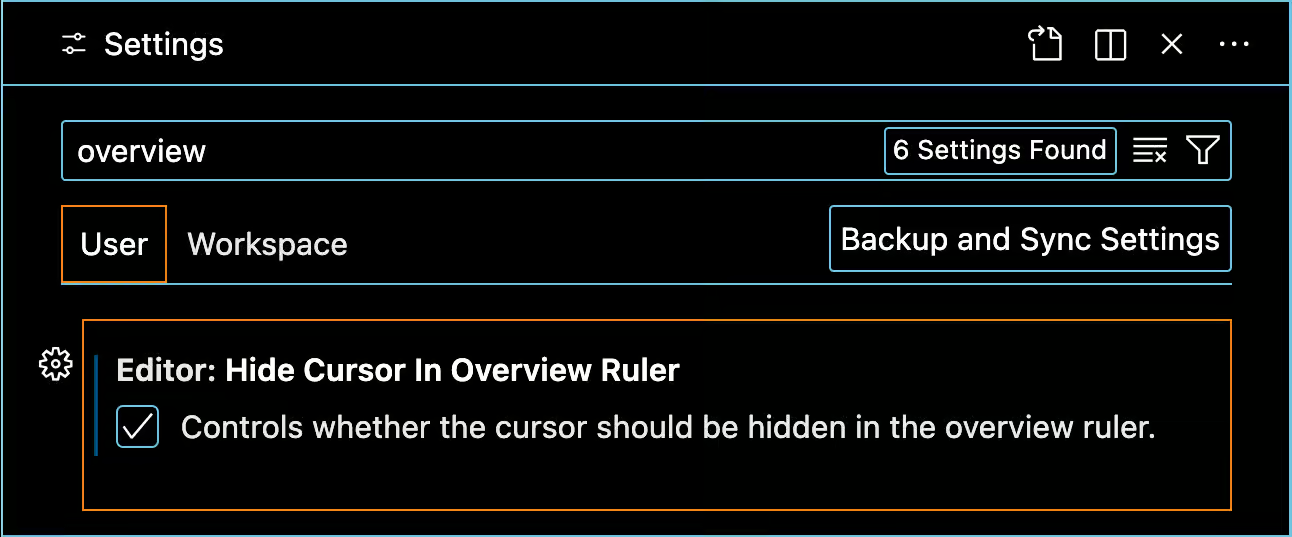
It took a little digging but I found the setting to turn it off. It's called
Editor: Hide Cursro In Overview Ruler
For reference, here's what it looks like when it's visible:
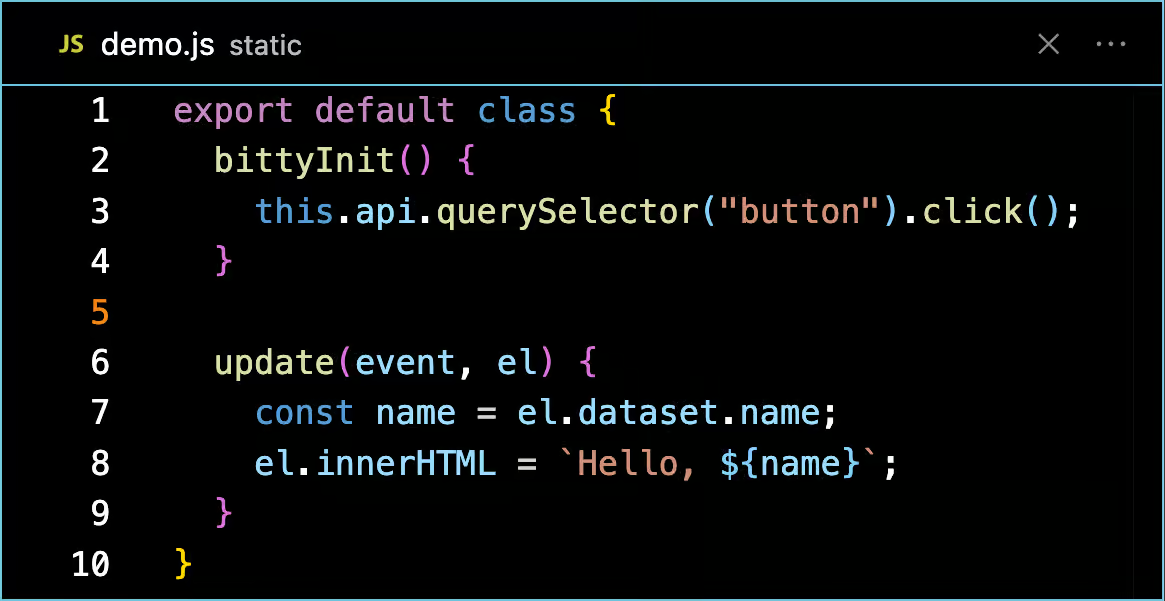
And here's what it looks like when it's off.
end of line